Holiday party photos everyone actually gets to see
The office party produces hundreds of photos and almost none of them get shared. That is a collection problem, not a camera problem.
Fondays · 24 October 2026 · 1 min read
Every December the same thing happens. The team dinner, the family Christmas, the gift swap with friends: everyone takes photos, a handful get posted, and the rest sit on phones until they are forgotten.
Why the group chat doesn't work here
- Not everyone is in it. The office party has partners, new joiners and the team from the other floor.
- Photos get squashed. Chat apps compress images, so the one good group photo comes out too soft to print.
- Some photos shouldn't go everywhere. A work party is not something everyone wants on a public feed. A private album keeps it inside the room.
A setup that takes five minutes
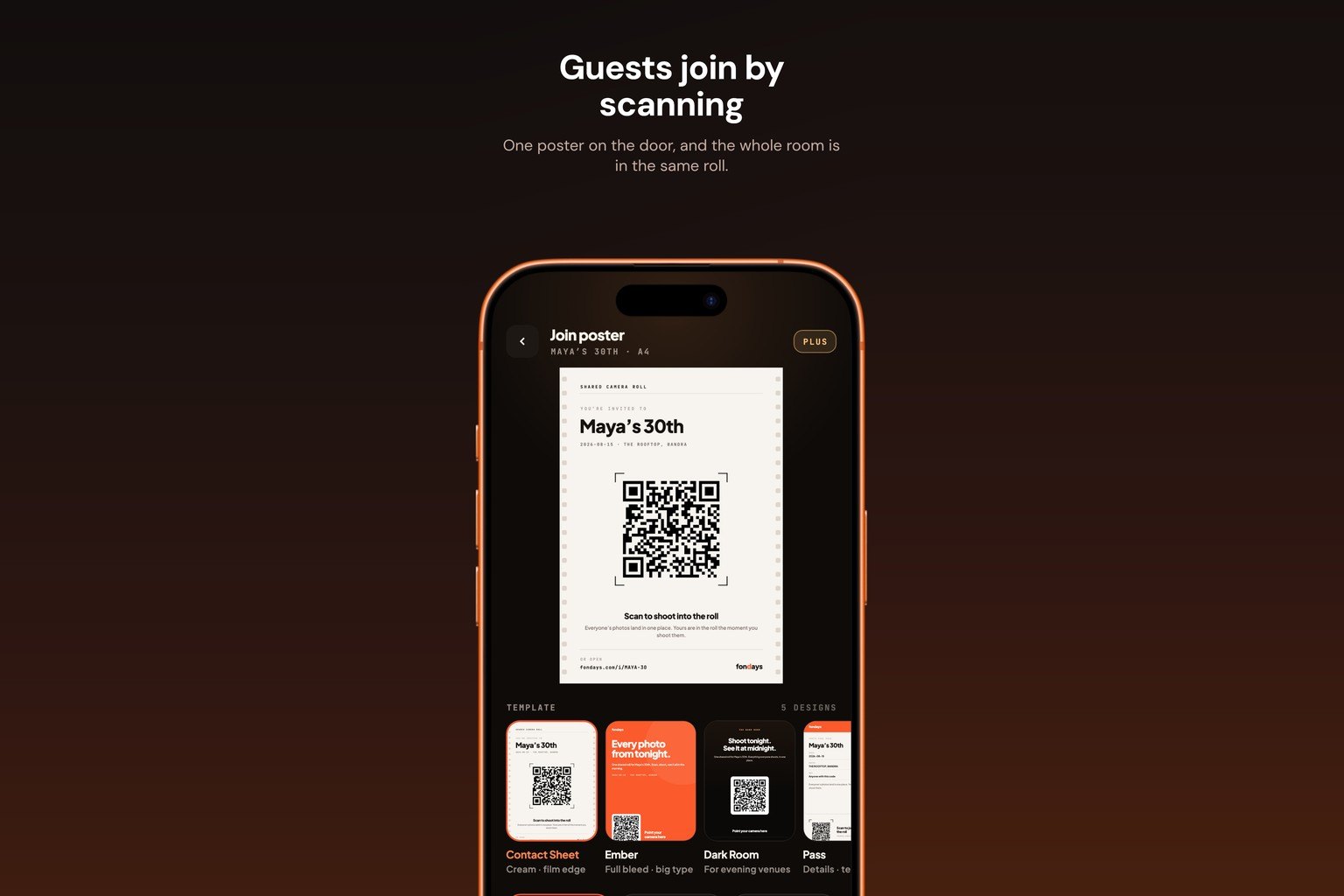
- Create one album for the event.
- Put the QR on the tables, or in the calendar invite for an office party.
- Add a co-host, so someone else can help run it while you host.
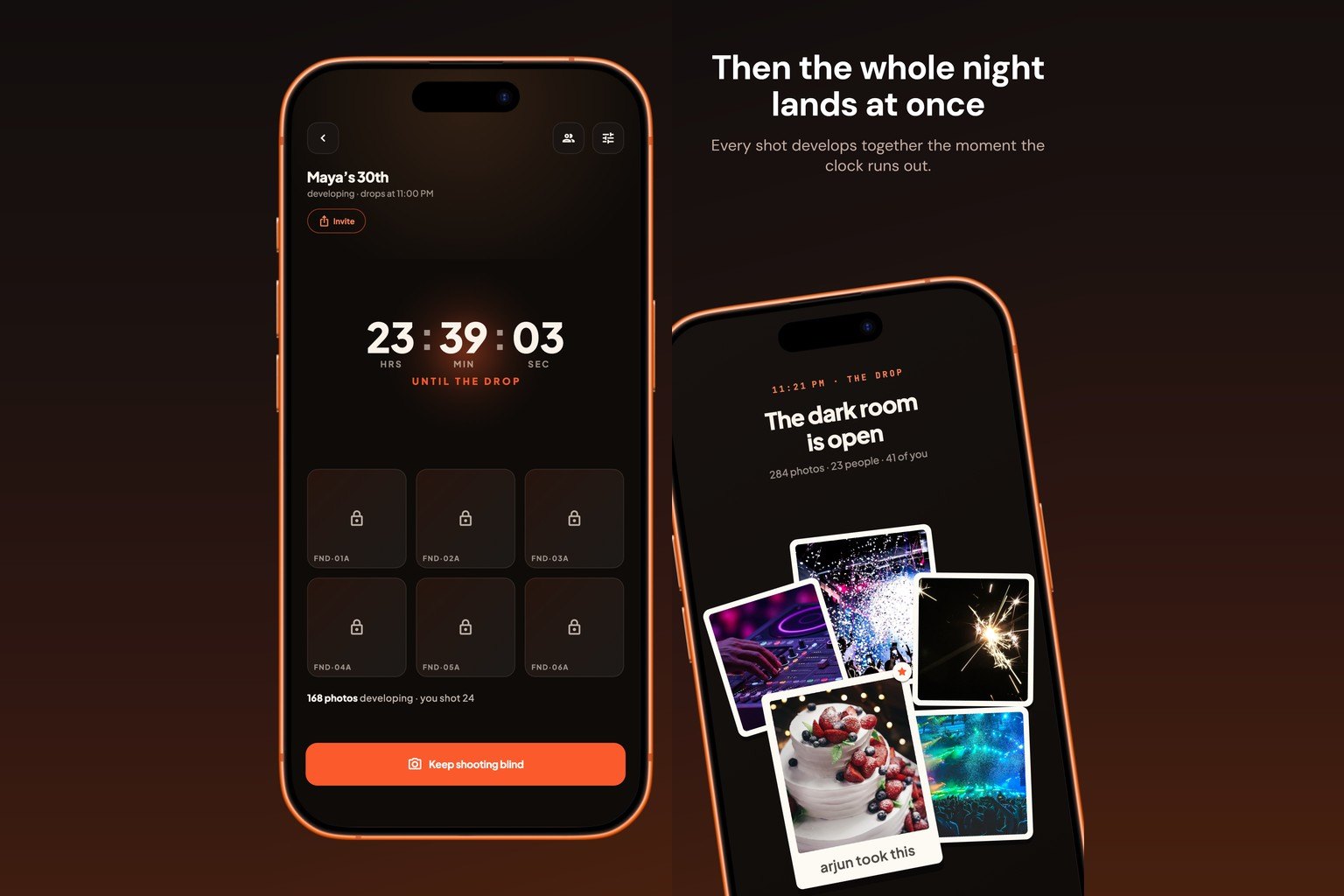
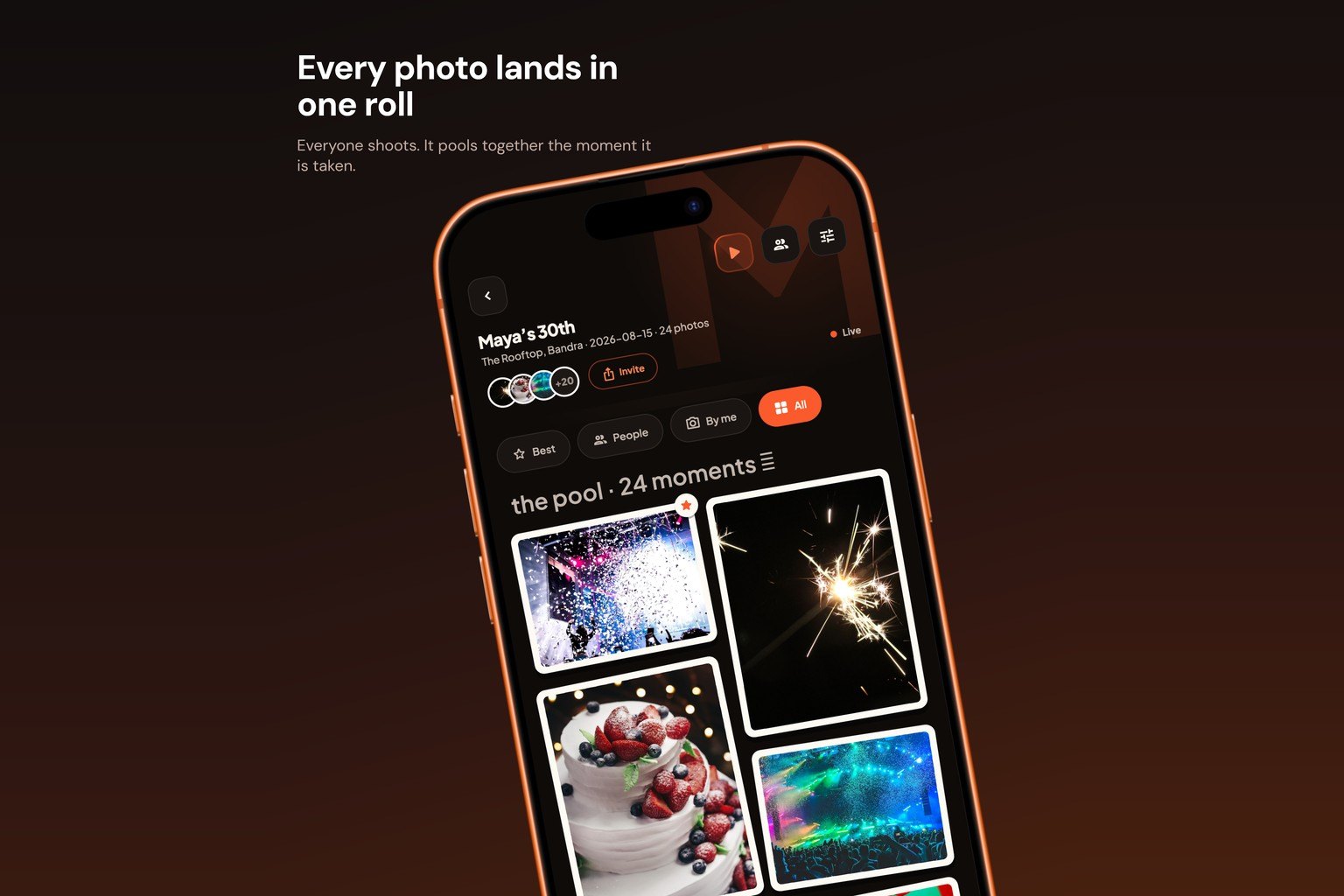
- Put the album on the screen in the room. Photos appearing live is the fastest way to get the quiet half of the room to join in.
For family gatherings
Older relatives often take the best photos and are the least likely to share them. Sit next to them for two minutes, scan the code together, and their photos start arriving on their own.
After the party
Photos are kept at full resolution, not squashed the way a chat app does it, so the group photo is sharp enough for next year's card.
Fondays gives you the QR, the private album and a live slideshow wall for the venue screen. Guests join free on iPhone or Android, and hosting is free until 20 June 2027. Set up your album.